TDAC Thailand arrival card: how to fill it in (2026)
How to fill in TDAC on the official site: when to submit, which Phuket district to enter, how to spot copycat sites and what to do if you missed it.
Updated: 2026-10-10 · 7 min read · AURA Phuket
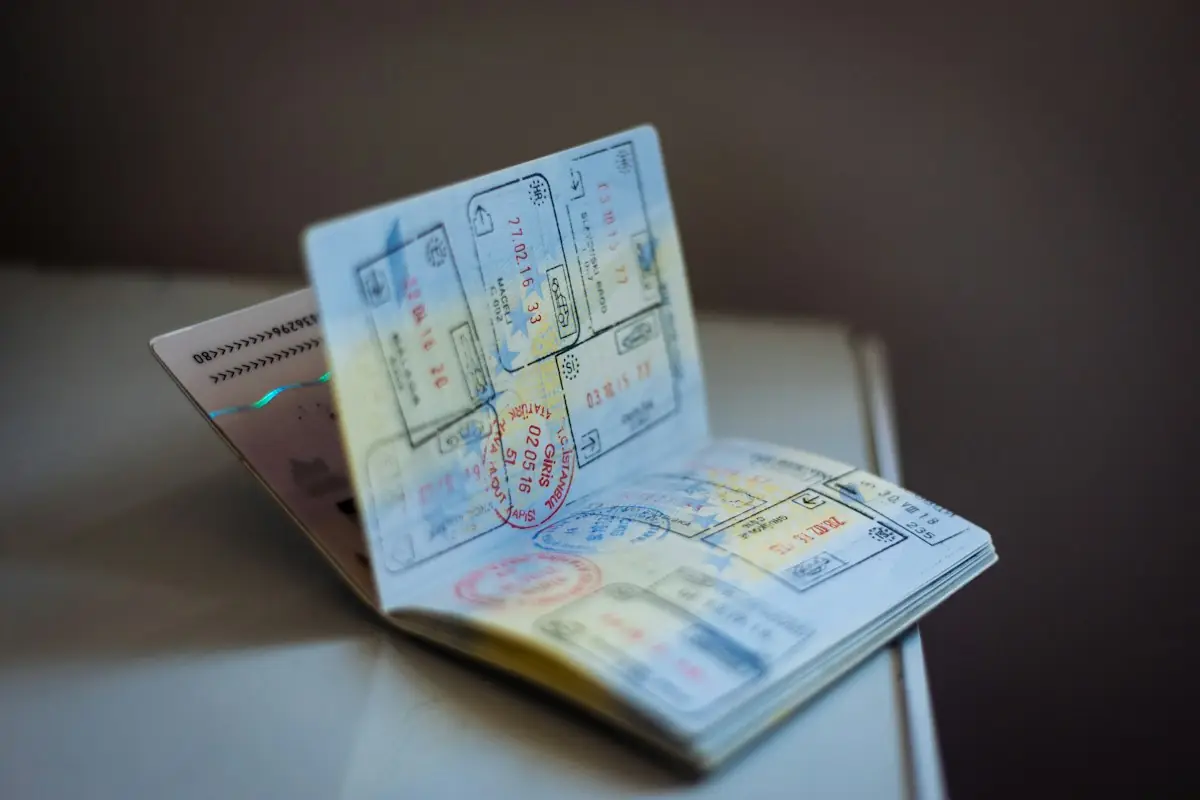
TDAC (Thailand Digital Arrival Card) is the electronic arrival card every foreign visitor to Thailand has had to complete since 1 May 2025. You fill it in free of charge on the official site, tdac.immigration.go.th, within three days before you land, then show the QR code from the confirmation email at passport control. It takes about 10 minutes.
Key facts
- The card has been mandatory since 1 May 2025 for every foreign national arriving by air, land or sea. It replaced the paper TM6 form.
- There is one official site, tdac.immigration.go.th, and it costs nothing.
- You can submit within 3 days before arrival, counting the arrival day itself.
- Everyone needs a card, children and infants included; a family can go on one application.
- TDAC is not a visa. Since 15 September 2026, Russian citizens enter visa-free for 30 days.
- Phuket Airport has kiosks for travellers who did not fill the card in beforehand.
What TDAC is and who needs it
The paper TM6 card used to be handed out on the plane; now the same details go online in advance, and the officer sees them in the system before you reach the desk. Every foreign national needs the card, whatever the basis of entry: visa exemption, tourist visa, DTV, retirement or student visa. The only people who skip it are transit passengers who never pass through immigration, holders of local border passes and operating aircrew. Each card covers one entry, so after a border run or a trip to Bali you need a new one for the way back in.
When to fill in TDAC: the three-day rule
The system accepts the card within three days before your arrival date, counting the arrival day. If the site will not let you pick your date, you are trying too early. The easiest moment is one or two days before departure: your flight and hotel are settled, and there is still time to fix mistakes.
- The arrival date is the date you land in Thailand, local time. Overnight flights from Russia touch down the following day.
- With a connection in Dubai, Istanbul or Doha, enter the last flight, the one that brings you into Thailand, and the country where you boarded it.
- If you fly via Bangkok and clear immigration there, enter the international flight to Bangkok and your Phuket hotel as the address.
- If the trip moves by a week, submit a fresh card in the new window rather than trying to adjust the old one.
How to fill in TDAC, step by step
The form is in English and uses Latin letters exactly as they appear in your passport. Before you start, have your passport, flight number, booking confirmation with the address and an email inbox you can open on your phone.
- Open tdac.immigration.go.th and choose Arrival Card. Type the address yourself or follow the link from the Immigration Bureau site, immigration.go.th, never from a search ad.
- Passport details: surname, given names, passport number, nationality, date of birth, sex. Some fields can be filled by uploading a photo of the passport page.
- Personal details: occupation (free text, for example MANAGER or STUDENT), country and city of residence, phone number.
- Trip: arrival date, country where you boarded, purpose of travel (Holiday for tourists), mode of transport and flight number. Departure date and flight can be left out if you do not know them yet.
- Accommodation: type, province, district, sub-district, postcode and address of your first night’s stay. All of it is on your booking confirmation.
- Health declaration: the countries you visited in the last 14 days. Extra questions appear if any of them carry a yellow fever risk.
- Companions: the Add button puts family members on the same application, each with their own passport details.
- Check everything on the review screen, enter your email, accept the terms and submit. Save the email with the QR code and take a screenshot in case there is no signal at the airport.
Your Phuket address: which district to choose
The District and Sub-district dropdowns cause the most confusion. The province for any address on the island is Phuket; the rest depends on where you stay:
| Where you stay | District | Sub-district |
|---|---|---|
| Patong | Kathu | Patong |
| Kamala | Kathu | Kamala |
| Karon and Kata | Mueang Phuket | Karon |
| Rawai and Nai Harn | Mueang Phuket | Rawai |
| Chalong | Mueang Phuket | Chalong |
| Phuket Town | Mueang Phuket | Talat Yai, Talat Nuea or Wichit |
| Bang Tao, Laguna, Surin | Thalang | Choeng Thale |
| Nai Yang | Thalang | Sakhu |
| Mai Khao | Thalang | Mai Khao |
When in doubt, copy the address from your booking: Thai addresses follow the pattern sub-district, district, province, postcode. For a villa or flat rented from a private owner, ask them for the full address before you fly.
Common mistakes
- A name that does not match the passport. Use Latin letters exactly as in your passport and leave out any patronymic.
- The wrong arrival date on overnight flights: enter the day you land in Thailand, not the day you leave.
- Forgetting the children: every person needs a card, even an infant. For a school-age child, put STUDENT as the occupation.
- A typo in the email address, so the QR code never arrives. Check the address before you submit.
- A changed flight or hotel. Trip details and the address can be changed with the update function on the same site, but name, passport number, nationality and date of birth cannot: submit a new card instead.
Copycat sites: how not to pay for a free form
In March 2026 Thailand’s Immigration Bureau said at least 10% of arriving foreigners had registered through fake TDAC sites. These sites charge a service fee (press reports put it at 10 to 90 US dollars) and collect your passport data along the way. Warning signs:
- the address differs from tdac.immigration.go.th: other domains, extra words or letters in the name;
- they ask for card payment, while the official form is free;
- the link came from a search ad or a chat message;
- they promise fast approval, yet nobody approves a TDAC: it is a registration, not an application.
If you have already paid on such a site, the safe move is to submit again on the official one so you are definitely in the immigration system. Fraudulent sites can be reported to Thailand’s cyber police hotline, 1441.
Did not fill it in: what to do at the airport
You can complete the card right up until you pass immigration. Phuket Airport (HKT), like Suvarnabhumi, Don Mueang, Chiang Mai and Hat Yai, has TDAC kiosks, and you can also fill the form on your phone over the airport Wi-Fi. The catch is the queue: when several flights land together, the kiosks get busy, so 10 minutes at home can save half an hour in the arrivals hall. If the QR email never arrived, tell the officer at passport control.
Phuket Airport: arrival, passport control, getting to your hotel
What else is checked at the border
TDAC only registers your arrival; it does not give you the right to enter. The officer may ask for an onward ticket, an accommodation booking and proof of funds, and how long you may stay depends on your nationality and visa: for Russian citizens, the visa-free stay has been 30 days again since 15 September 2026. Visa exemption rules, extensions and the funds requirement are covered in a separate guide. This is general information, not legal advice.
Visa-free Thailand for Russian citizens: 2026 rules
Frequently asked questions
TDAC: how do I fill in the card?
On tdac.immigration.go.th: passport details, flight, first night’s address and a health declaration, then your email. The QR code arrives by email and you show it at passport control.
What is the official TDAC website?
Only tdac.immigration.go.th, which is also linked from the Immigration Bureau site, immigration.go.th. Any site that asks for money for the card is not official.
When should I fill in TDAC before my trip?
Within three days before arrival, counting the arrival day. The system will not accept it earlier; one or two days before departure is the most convenient time.
Do I need to print my TDAC?
The QR code on your phone, plus a screenshot in case there is no signal, is usually enough. A printout helps people travelling without a smartphone, such as older relatives.
Does a child need a TDAC?
Yes, every foreign national needs one, infants included. A parent adds the children to their application with the Add button and enters their passport details.
What if my flight changes after I submit TDAC?
Update the card on the official site: flight, date and address can be changed. If the trip moved outside the three-day window or the passport details are wrong, submit a new card.
Need an airport transfer, or help with a visa once you are on the island? Message the AURA concierge: a request takes about a minute, and a manager at the partner confirms the details.